


100% Accuracy, zero manual logging
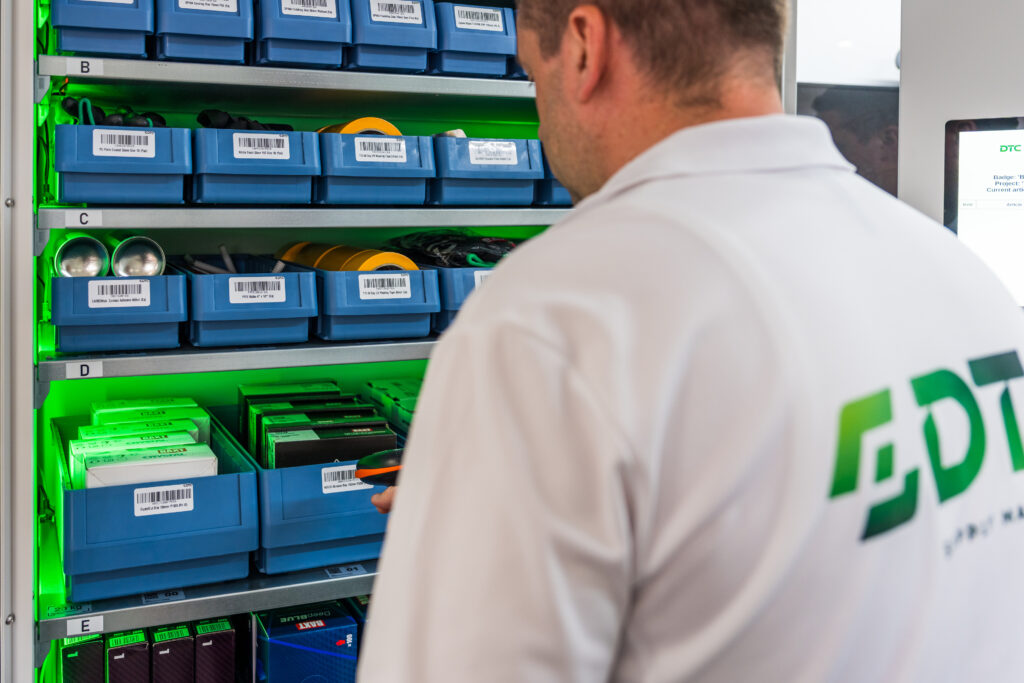
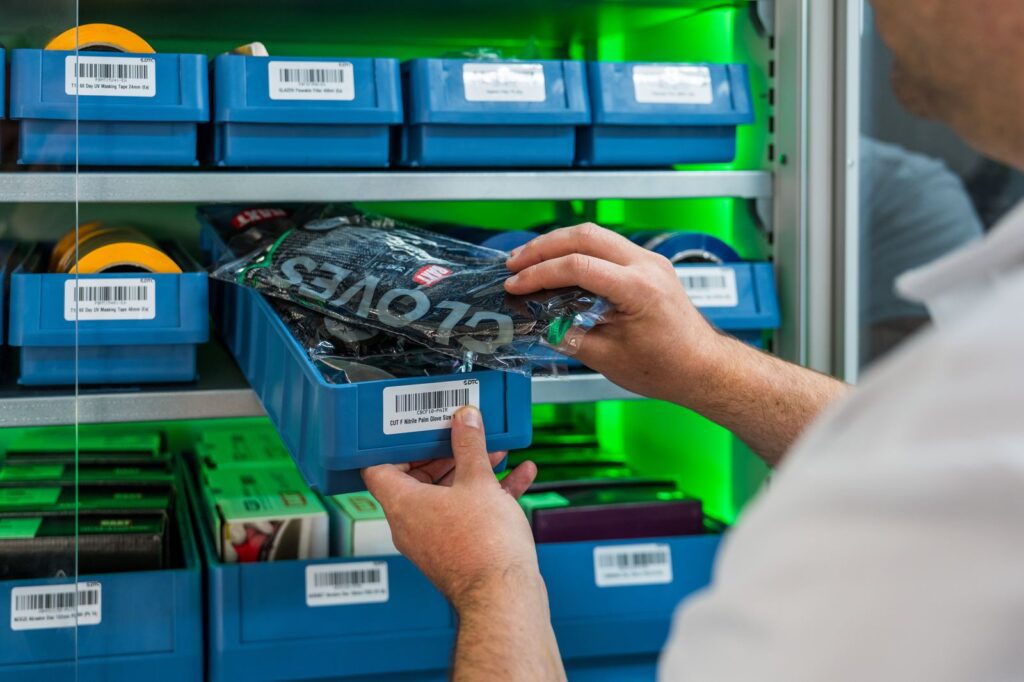
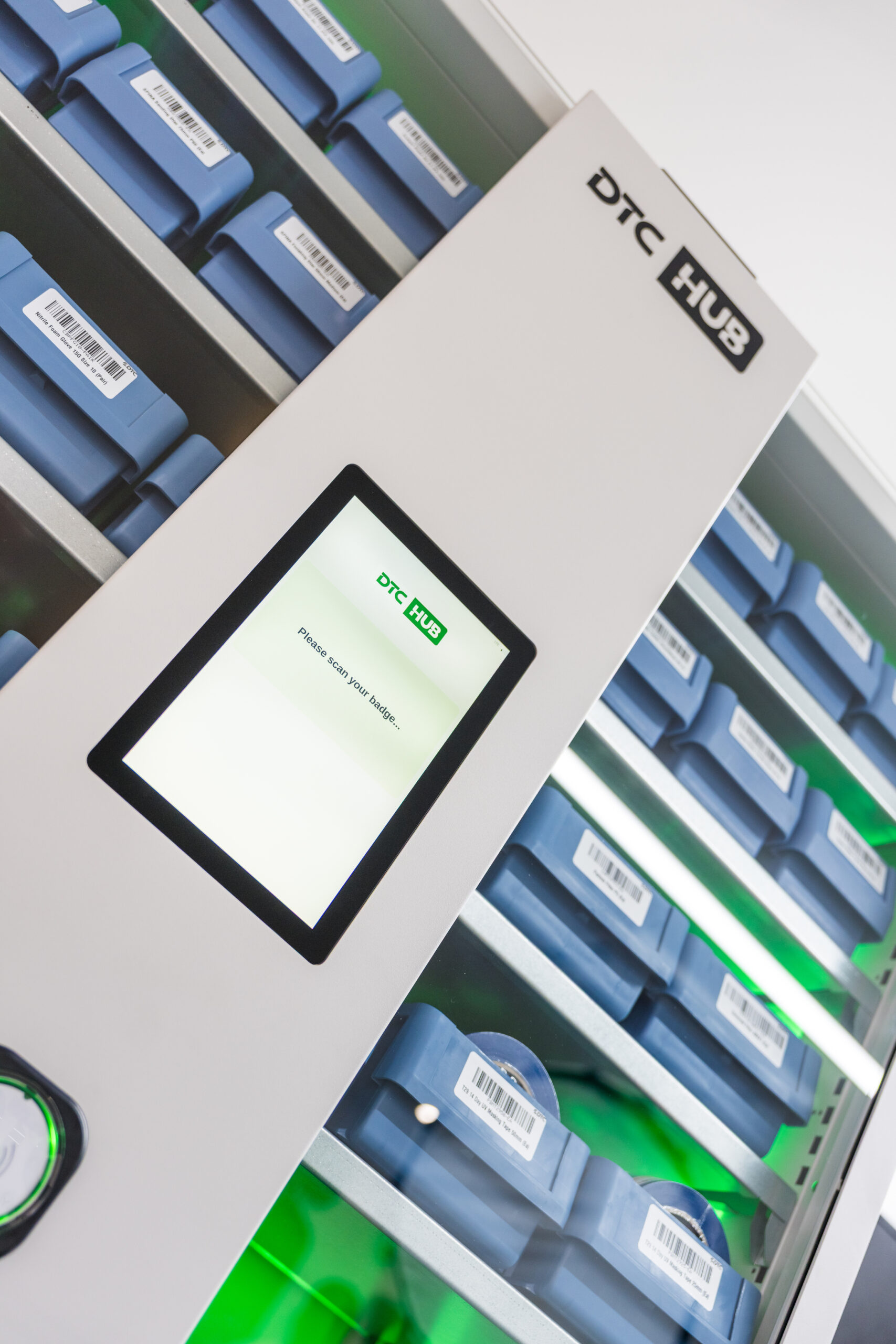
A locked consumables cabinet with an independent scale under every bin.
The DTC HUBScaleVend is a scale-based vending system which seamlessly tracks stock and consumables usage across high-usage manufacturing sites where you can’t afford to be out of stock for a second. With fully automatic tracking, logging and reordering, you stay totally in control while being completely hands-off.
Measurement and allocation
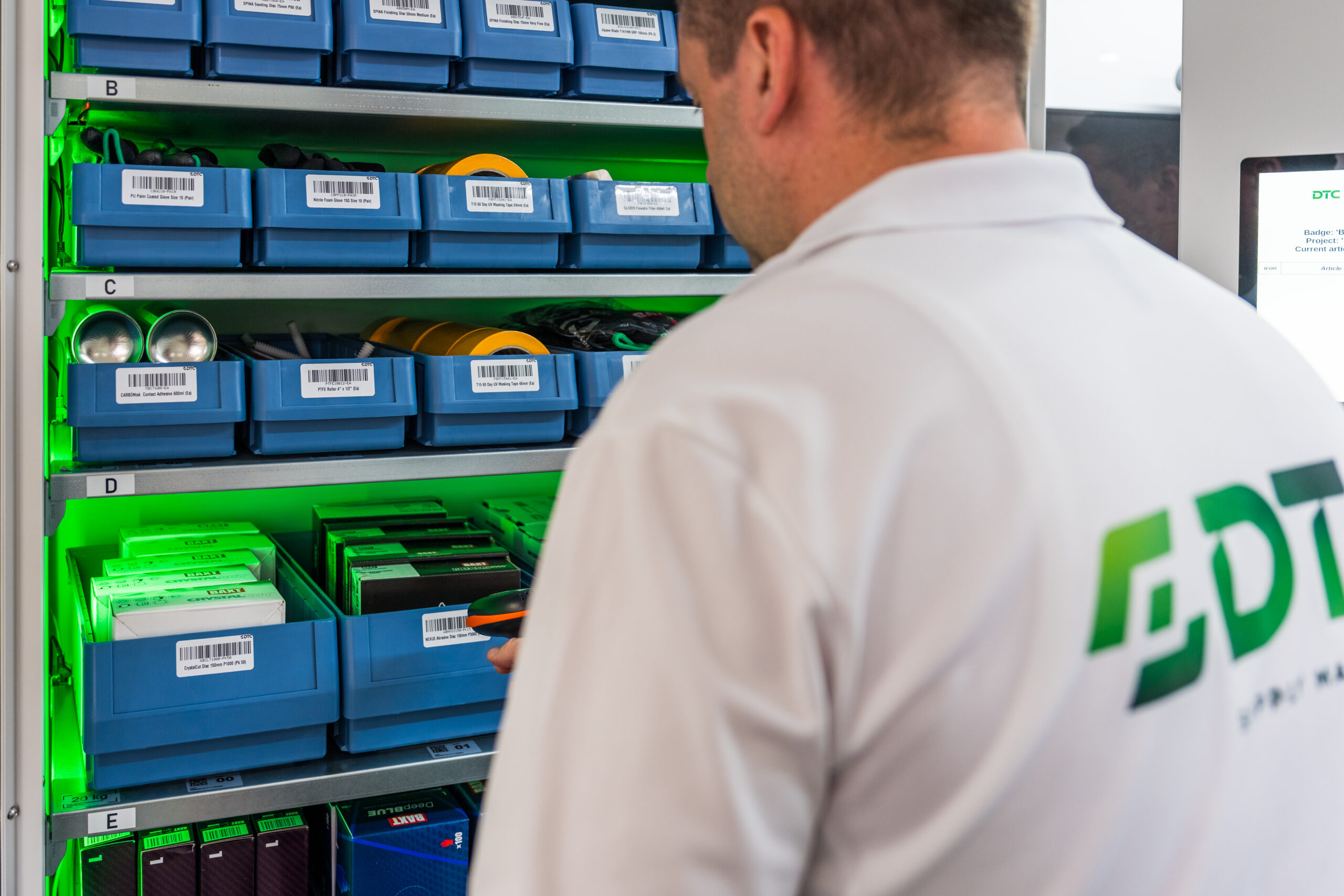
Each bin is assigned one item and one item weight. The heavy-duty steel cabinet takes up to 14 shelves in four types, giving one, four, six or eight independent weighing positions per shelf, so it handles parts, consumables and tools of any shape or weight. Shelves are fully adjustable, so the layout is built around what you use, not around pre-configured coils.
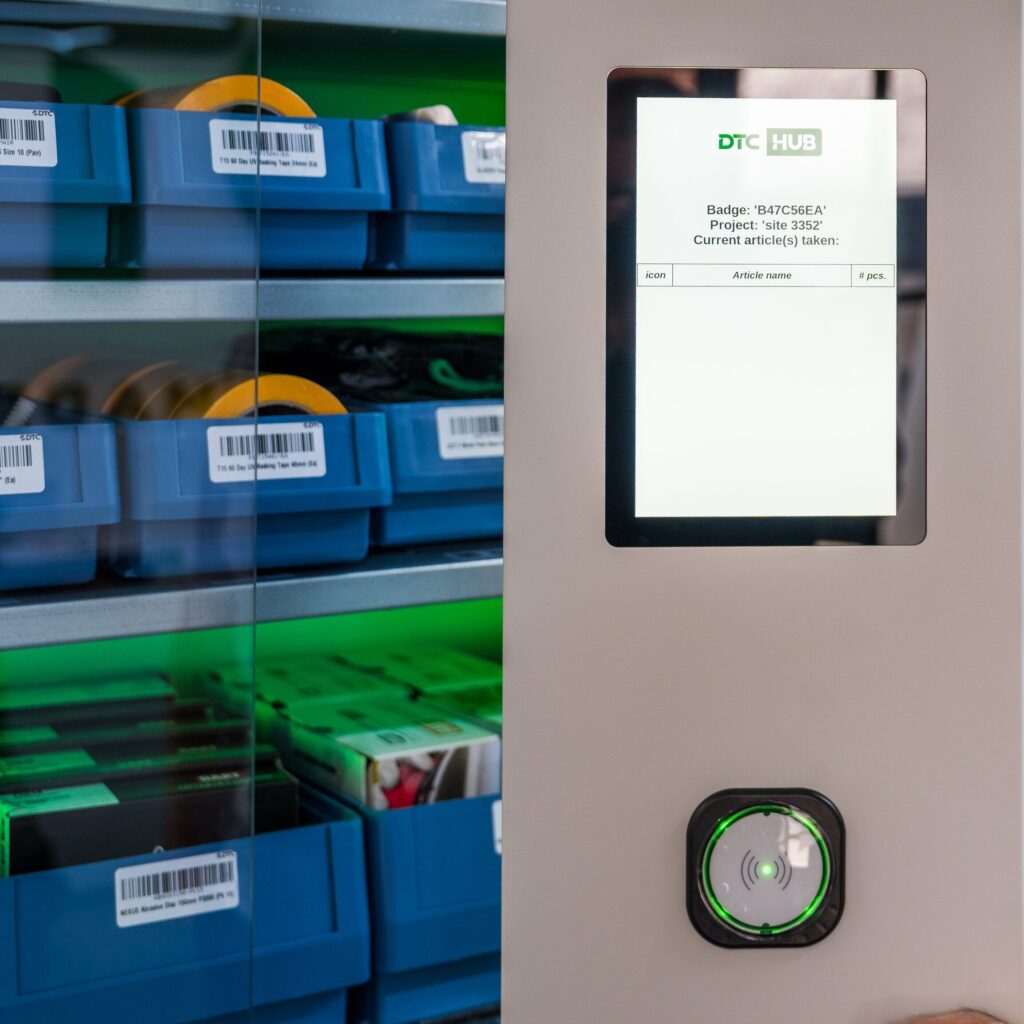
Staff access is by RFID badge, and the touchscreen can require a cost centre, works order or project reference before the doors release. On closing, the cabinet reweighs every bin. That gives the quantity issued, or returned, without anything being written down.
The transaction records the item, quantity, person, time and reference, and posts to the DTC HUB within seconds. When an item falls below its minimum level, a replenishment order is raised on the same account, then picked and dispatched by DTC.
Complete accuracy and control with no extra admin
Resolution
Each bin is accurate to 1g, so the practical limit on any product is the weight consistency of the item, not the resolution of the scale.
Small and Light items
Small items such as an M6 washer, a cable tie or a pair of ear plugs are within range. Items too light or too variable to count reliably are identified at the survey stage.
Returns
The cabinet weighs each bin after the doors close and reports net movement. An item taken and returned within the same transaction is not booked out, and no replenishment order is raised for stock that did not leave the cabinet.
Weight variance
Packaging, moisture content and manufacturing tolerance change the weight of a nominally identical item. Each line is counted against a tolerance band around the piece weight.
how it compares to other vending methods
Industrial vending and VMI utilises several technologies or methods of dispensing. Each one measures something different, and the difference decides what the stock figure can be used for.
| Method | What it records | Limitation |
|---|---|---|
| Coil or spiral | One dispense event. | No record of the quantity remaining. Items must usually be repackaged to fit the coil. |
| Drawer | A drawer opening. | Quantity is declared by the operator, not measured. |
| Carousel | A compartment presentation. | No record of the contents. |
| Locker | A door opening, and the person. | No quantity. Suited to tools and high value assets, not consumables. |
| Two bin or RFID Kanban | Bin state: full, low or empty. | A state, not a quantity. Depends on the operator following the process. |
| Barcode scanning | What was scanned. | Booking errors can accumulate. The recorded quantity separates from the shelf quantity. |
| Camera in bin | The visible top layer. | Cannot measure stock below the top layer. |
| HUBScaleVend, continuous weighing | Quantity in every bin, continuously, and the person who moved it. | Items that are very light or highly variable in weight. Identified at survey and held elsewhere. |
Stock data in the DTC HUB
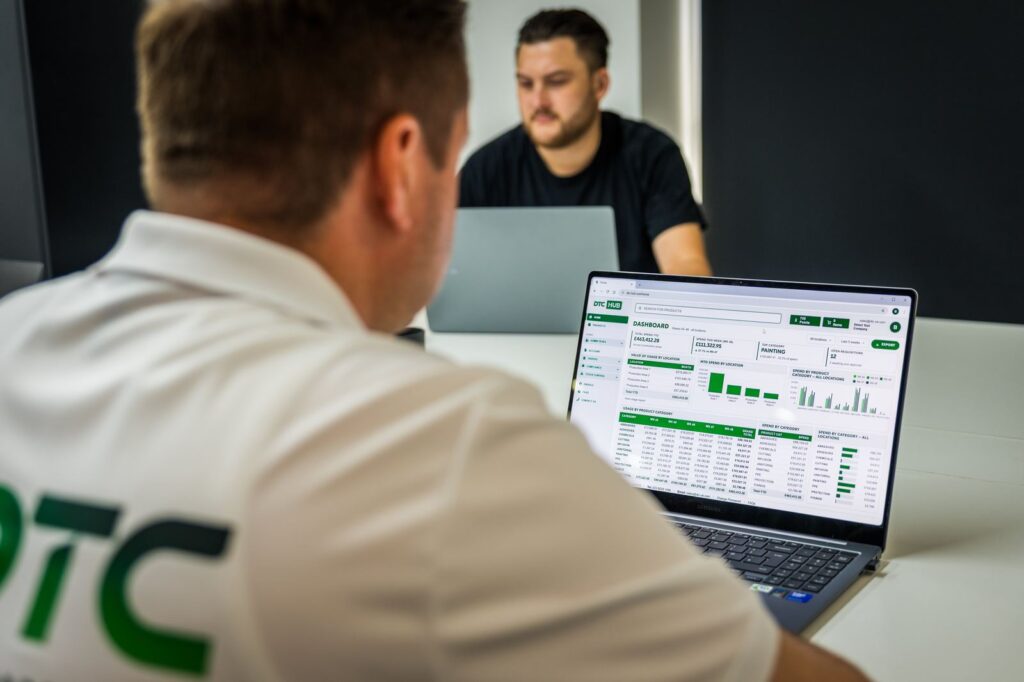
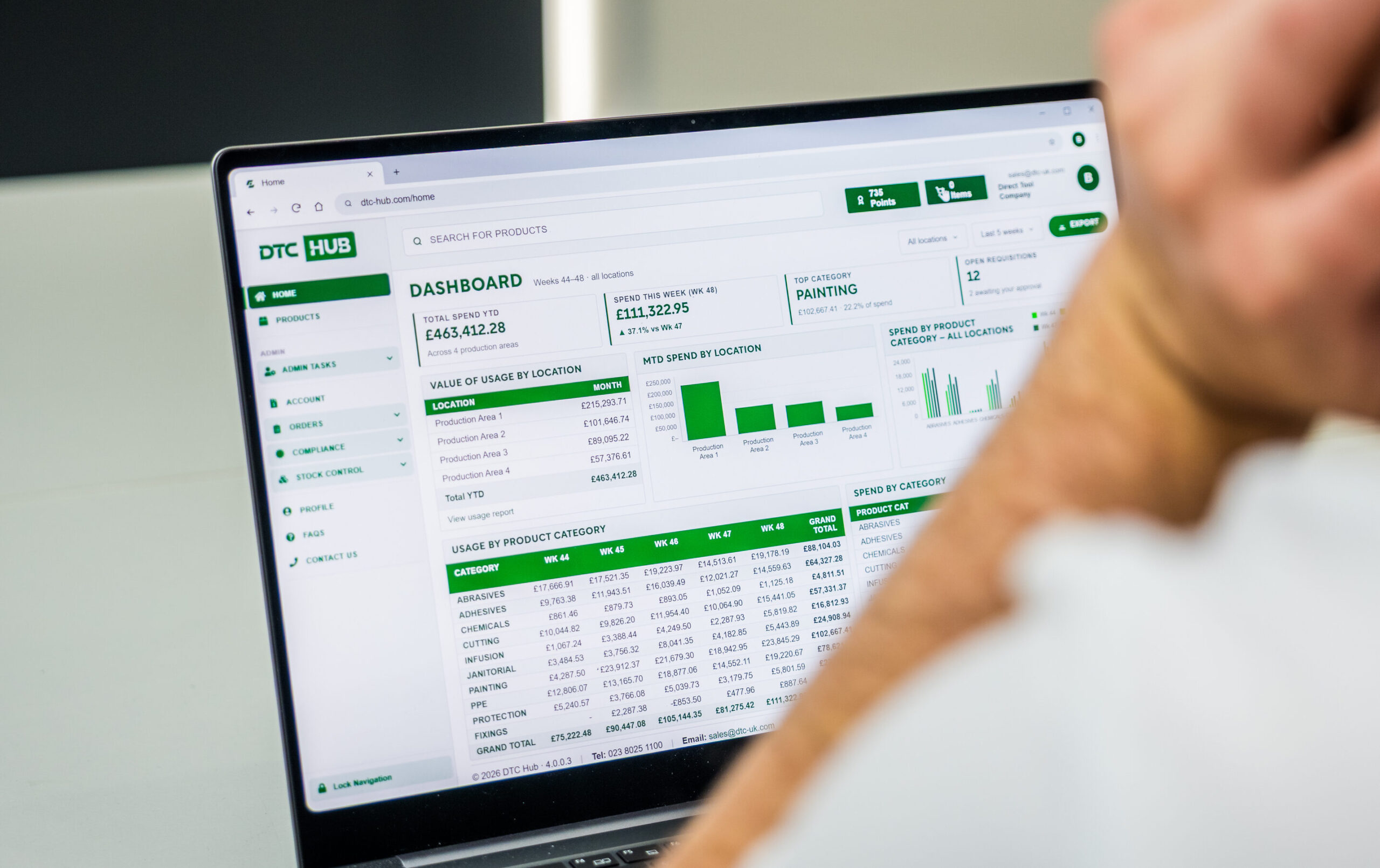
Every transaction is recorded against an item, a quantity, a person, a time and a job reference, and the data is available on any device. Because the count is derived from weight, the cabinet also reports the value of the stock held, so stock on the shop floor is stated in pounds and pence rather than in an unknown number of units.
Each cabinet reports into the same DTC HUB account already used for Rapid Order and Scan and Go. And if you’re running cabinets across several locations and sites, you can view them all on one screen.
Configuration from usage data
Configuration is calculated from your own issue data, twelve months of it where the history allows.
Demand
Peak
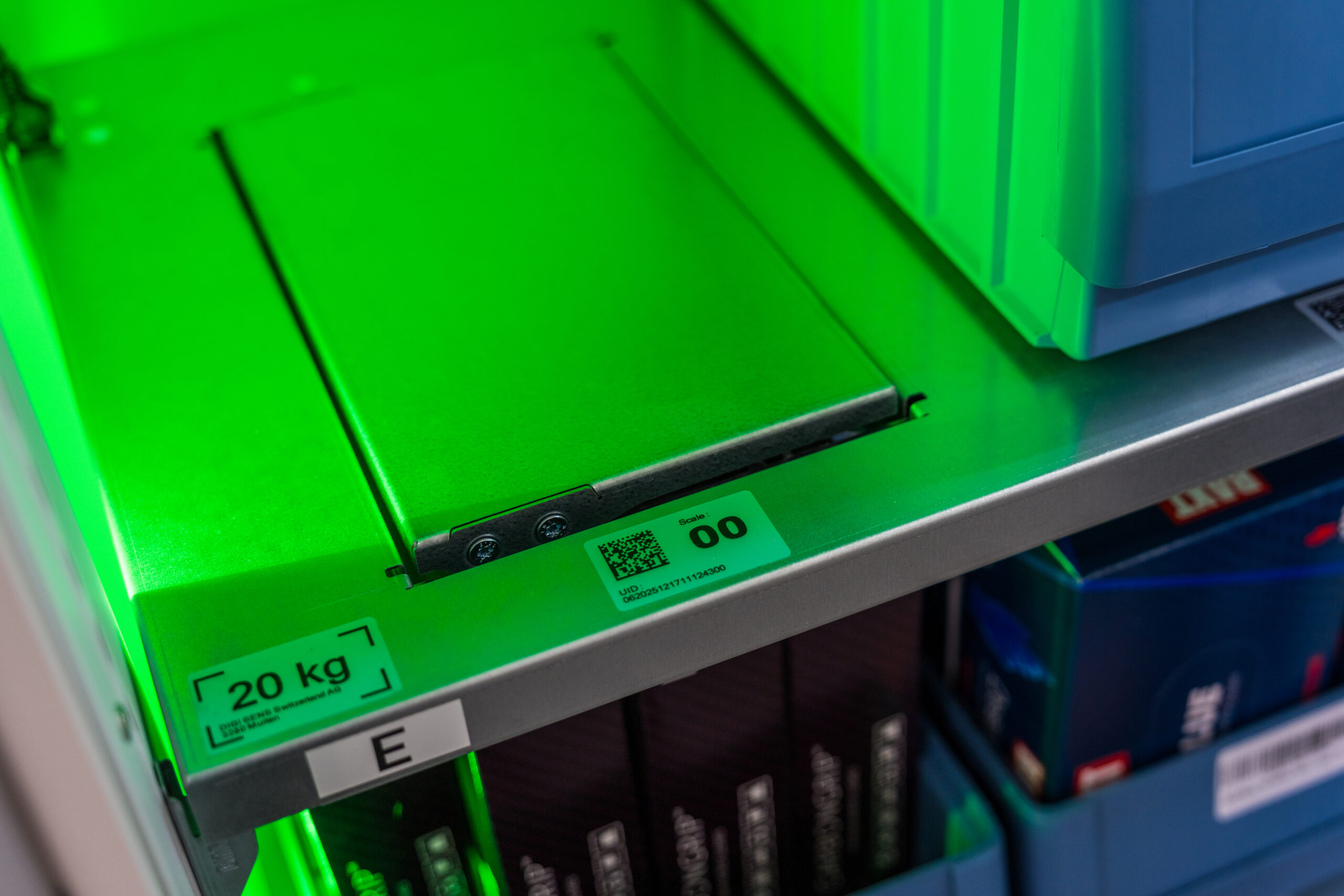
Bins and shelves
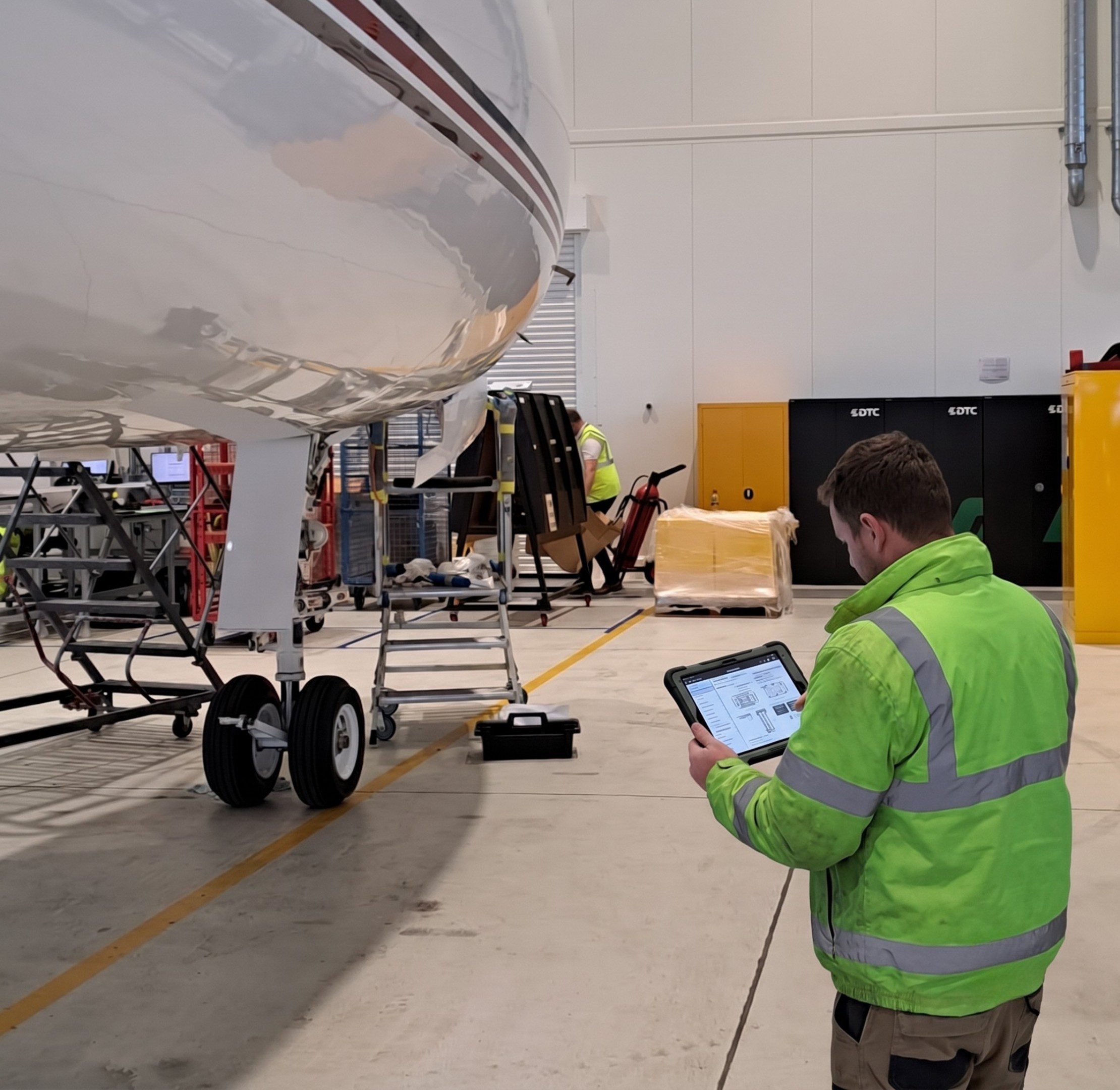
Site survey
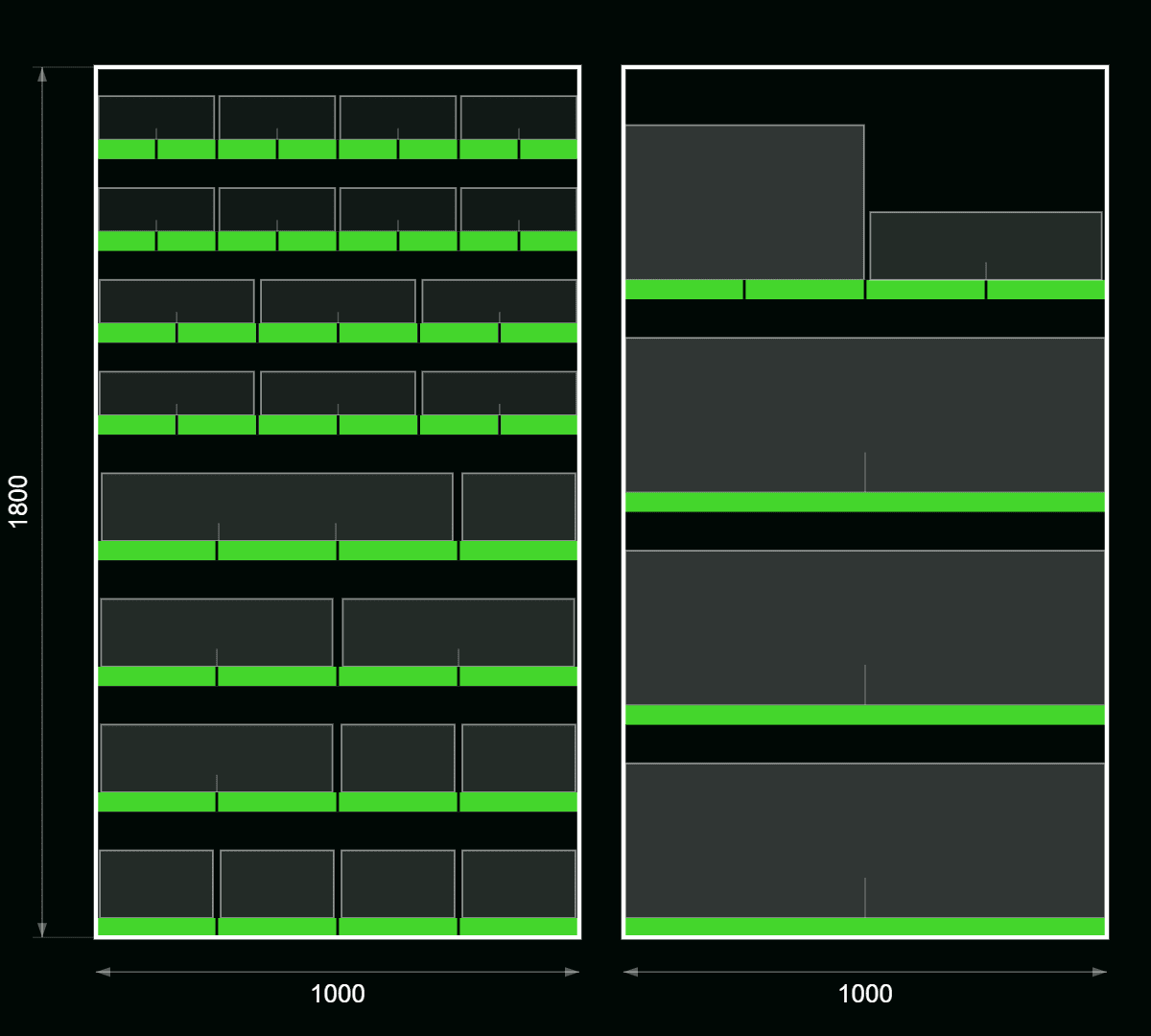
Drawing
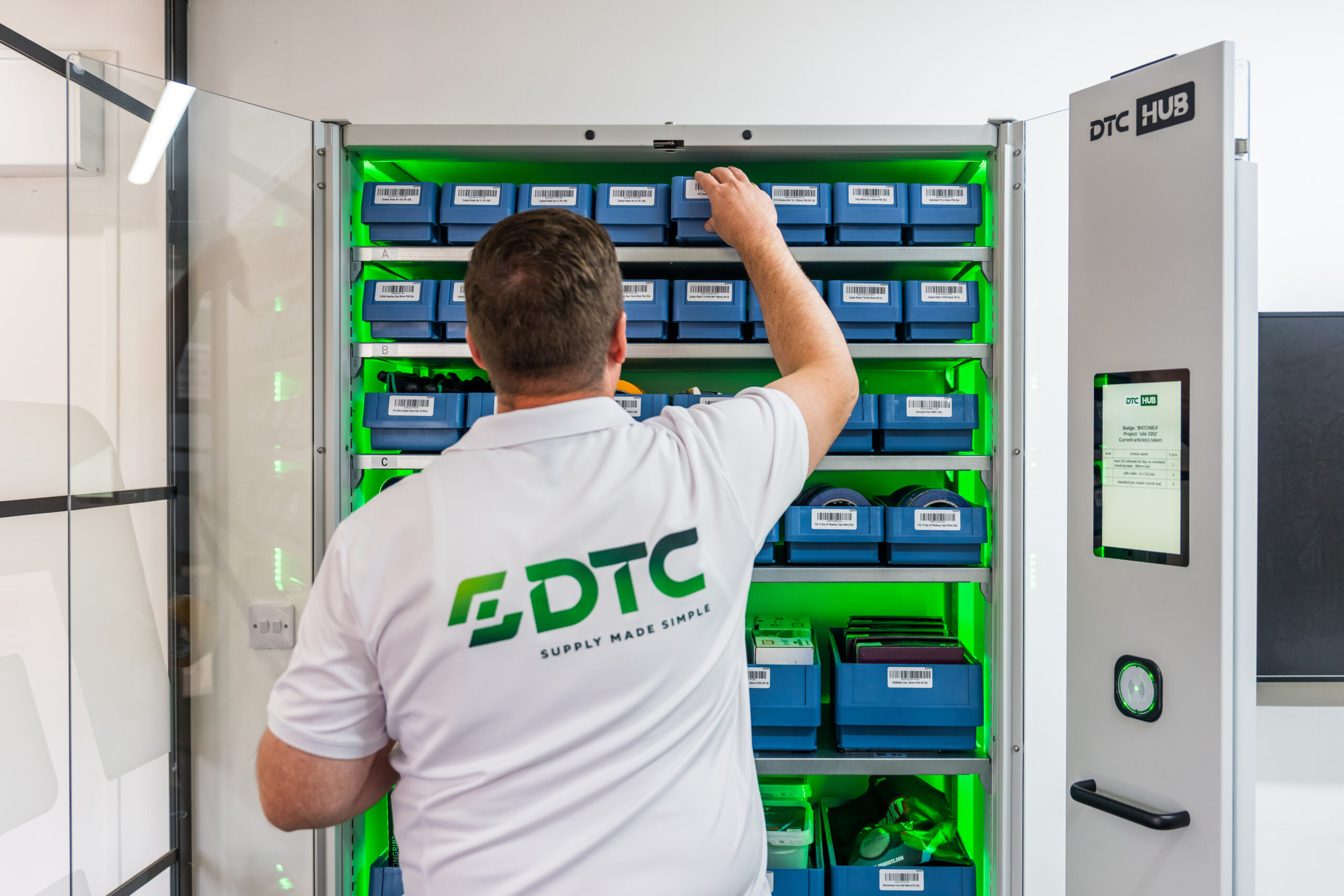
Review
Specification
| External dimensions | 2040 mm high, 1070 mm wide, 520 mm deep |
| Weight | 140 kg empty, up to 1,140 kg fully loaded |
| Shelves | Up to 14, adjustable in 25 mm steps |
| Shelf types | 1, 4, 6 or 8 bin positions |
| Capacity per position | 80 kg, 20 kg, 4 kg, 4 kg by shelf type |
| Resolution | 1 g |
| Doors | Glass, RFID locked, mechanical key override |
| Card systems | MIFARE and LEGIC, others on request |
| Power | One standard socket, 100 to 230 V |
| Data | Wired network, or mobile modem with a SIM |
| Operating conditions | 0 to 40 °C, out of direct sunlight |
| Floor | Level, rated for the loaded weight |
FAQs
How does HUBScaleVend work?
How does HUBScaleVend work?
Staff badge in, choose the job they are drawing stock against, and take what they need. Every bin sits on its own scale, so the unit records what has gone, who took it and which job it was for. When a line drops below its minimum level, it orders the replacement through DTC HUB.
Who can open it?
Who can open it?
Only badges on the authorised list. We set the list up with you, and you decide who is on it. An unauthorised badge is refused and the attempt is recorded.
Can we use our existing ID badges?
Can we use our existing ID badges?
In most cases, yes. The reader supports MIFARE and LEGIC cards, and other card systems are available on request.
How does it count?
How does it count?
By weight. The unit knows the weight of a single item in each bin, so a change in bin weight becomes a change in quantity. Nothing is scanned.
Does it work with very small items?
Does it work with very small items?
Yes. Small consumables are counted reliably, the same as anything else in the cabinet.
Can we charge stock to a job or cost centre?
Can we charge stock to a job or cost centre?
Yes. Before the doors open, the user selects an account, such as a cost centre, customer order or project number. Each user can hold up to 150 accounts.
Can staff take several items in one visit?
Can staff take several items in one visit?
Yes. One badge, as many bins as needed, one transaction.
What happens when someone returns an item?
What happens when someone returns an item?
They put it back in the bin it came from and close the doors. The count goes up and the return is recorded against them.
What if an item goes back in the wrong bin?
What if an item goes back in the wrong bin?
The unit counts by the weight in each bin, so the item is booked against the bin it lands in. Every transaction carries a name and a time, so the difference can be traced and corrected.
What if the doors are left open?
What if the doors are left open?
A buzzer sounds until they are closed. If they stay open past the set time, the transaction is cancelled. The time limit can be set per user.
See it in action
Request a demonstration
"*" indicates required fields